Minecraft
Diversity 3
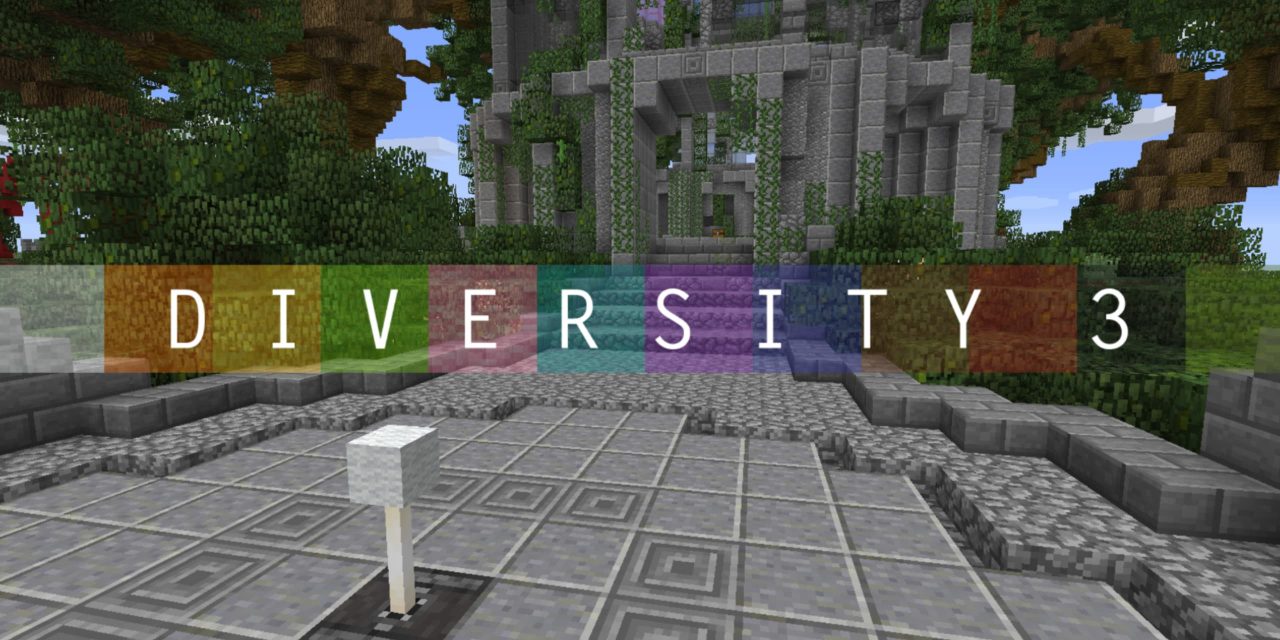
Nearly 5 years after the massive hit Diversity 2, the highly requested final installment to the popular Minecraft series arrives in this epic multi-genre conclusion. Merging a beautiful balance between fun and challenge, Diversity 3 is playable for 1-3 players.
Nearly 5 years after the massive hit Diversity 2, the highly requested final installment to the popular Minecraft series arrives in this epic multi-genre conclusion. Merging a beautiful balance between fun and challenge, Diversity 3 is playable for 1-3 players. The world of Diversity has changed. It's become more open. But it's up to you to find your way, and once again Complete the Monument! And there are plenty of surprises along the way.
This massive passion project took over 21 months of hard work from builders spanning from 6 different countries. We are truly excited to leave you with one last Diverse adventure.
Map: Diversity 3
Creators: abrightmoore, AdamDJM, ColdFusion, Jigarbov, Noodlor, qmagnet, qwertyuiopthepie, The1Kwa1Jsucsh, renderXR
Download: https://www.planetminecraft.com/project/diversity-3
--------------------------------------------------------------------------------
REQUIREMENTS:
- Minecraft 1.14.4
- Render Distance: Minimum 6 Chunks
RECOMMENDATIONS:
- 64-bit Java
- Programmer Art Resource Pack (Default Classic Textures before the retextures by Jappa for 1.14)
- Brightness: BRIGHT
- Particles: ALL
- Clouds: OFF
- Music: OFF
- GUI Scale: 2
- 1-3 players
- 4GB or higher allocated to Minecraft
F3+A:
This is hugely helpful tip to remember. At times, Minecraft Java can get big "lag" issues, especially during any respawn. By pressing F3+A (or FN+F3+A on Mac), you can immediately fix this annoyance. This also causes chunks that appear to be missing to magically become visible again.
REGARDING HEARING IMPAIRED:
If you are hearing impaired and require captions to play Minecraft, be advised there is one very small portion that you will unfortunately not be able to complete. However, I've included a bypass within the map that you can activate. If you require captions, contact me after you download and I will help you set this up.
SERVER SETTINGS:
For Multiplayer, you MUST have command blocks enabled. There are a few other important items you need to allow for this map to work, notably allow flight due to a weird unwanted server kick.
In your server.properties file, make sure you have these:
level-name=SET THIS AS THE FOLDER NAME OF THE MAP (SEE BELOW)
enable-command-block=true
allow-nether=true
allow-flight=true
max-build-height=256
spawn-npcs=true
spawn-animals=true
spawn-monsters=true
Also, make sure your level-name is the SAME name as the world folder for Diversity 3!
We recommend you keep the game to 1-2 players, but 3 could work.
I don't know if this map is compatible with Bukkit. I've never tested it with Bukkit.
The map is absolutely NOT compatible with Spigot. Apologies.
Installing Diversity 3 in three steps
- 1
Pick your Minecraft plan and start your server - it is online within minutes.
- 2
In the panel, open the installer and search for Diversity 3.
- 3
Click install. The server restarts on it and your players can connect.